
How to declare and use variables in SQLite
Kristi Jorgji1 min readComments
Contents
SQLite has no DECLARE @name like SQL Server, and no session user variables like MySQL. You still need named values in scripts. These are the three ways that actually work.
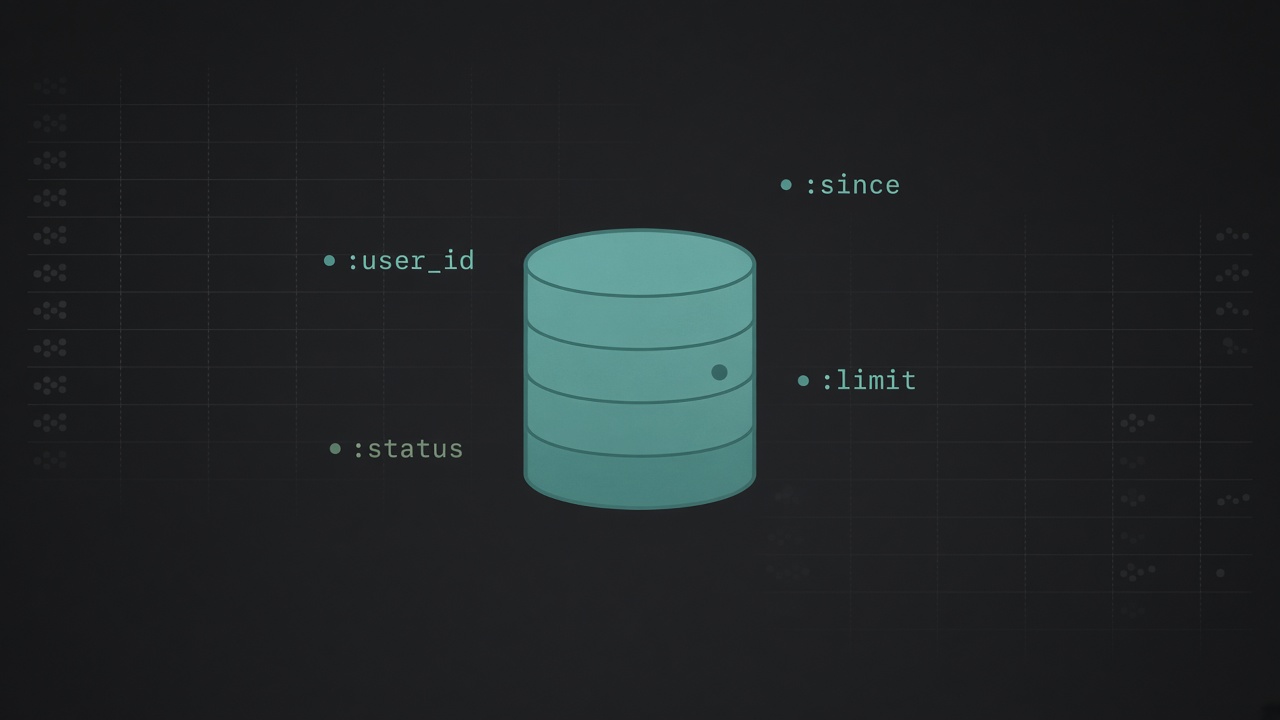
Bind parameters from your application
This is the right default. Keep the SQL parameterized and let the host language hold the values.
SELECT id, nameFROM usersWHERE created_at >= :since AND status = :status;In Go, Node, PHP, or Python you bind :since and :status once and reuse the statement. SQLite never stores those names as database-side variables, which is a good thing: the query plan stays stable and you do not concatenate strings.
sqlite3 CLI parameters
If you are in the sqlite3 shell (3.34+), .parameter is the closest thing to variables:
.parameter init.parameter set :user_id 42.parameter set :label 'admin'
SELECT *FROM usersWHERE id = :user_id;.parameter list shows what you set. These exist only in that CLI session. A connection opened from your app does not see them.
A one-row temp table or CTE
When the SQL has to stand alone (migrations, reports, no host binder), store the values in SQL itself:
CREATE TEMP TABLE vars ( user_id INTEGER, min_score REAL);
INSERT INTO vars (user_id, min_score) VALUES (42, 0.8);
SELECT p.*FROM posts AS pJOIN vars AS v ON v.user_id = p.author_idWHERE p.score >= v.min_score;For a single statement, a CTE is enough:
WITH vars AS ( SELECT 42 AS user_id, 0.8 AS min_score)SELECT p.*FROM posts AS pJOIN vars AS v ON v.user_id = p.author_idWHERE p.score >= v.min_score;What not to do
Do not build SQL by concatenating values. There is no SET @x = 1 that survives across statements on a normal SQLite connection. Use bind parameters from code, .parameter in the CLI, and a temp row or CTE when the SQL must stand alone.

Comments
Comments are powered by Disqus, a third-party service.Privacy policy